ADVICE:
2. Rotate the Main Tuning Dial knob to select the desired operating frequency.
3. Press the [BK-IN] button to engage automatic activation of the transmitter when you close the CW key. The "BK IN" icon will appear in the TFT display.
ADVICE:
4. Operation using your CW kay may now proceed.
ADVICE:
If you press and hold the [MODE] button, you will engage the "CW Reverse" mode, whereby the "opposite" sideband injection is used, compared to the "normal" sideband. The "LSB" icon will appear in the display if you select CW Reverse.
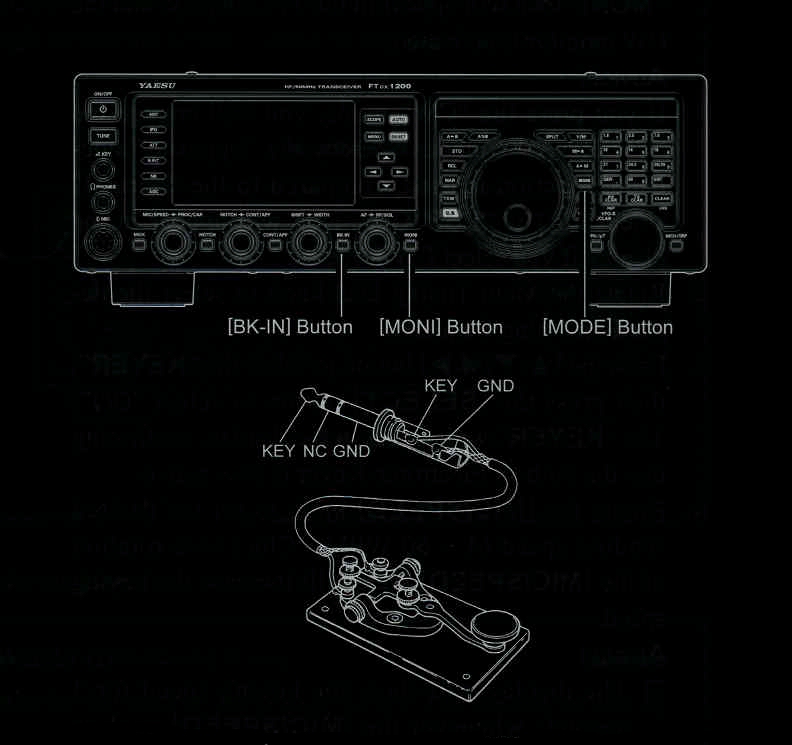
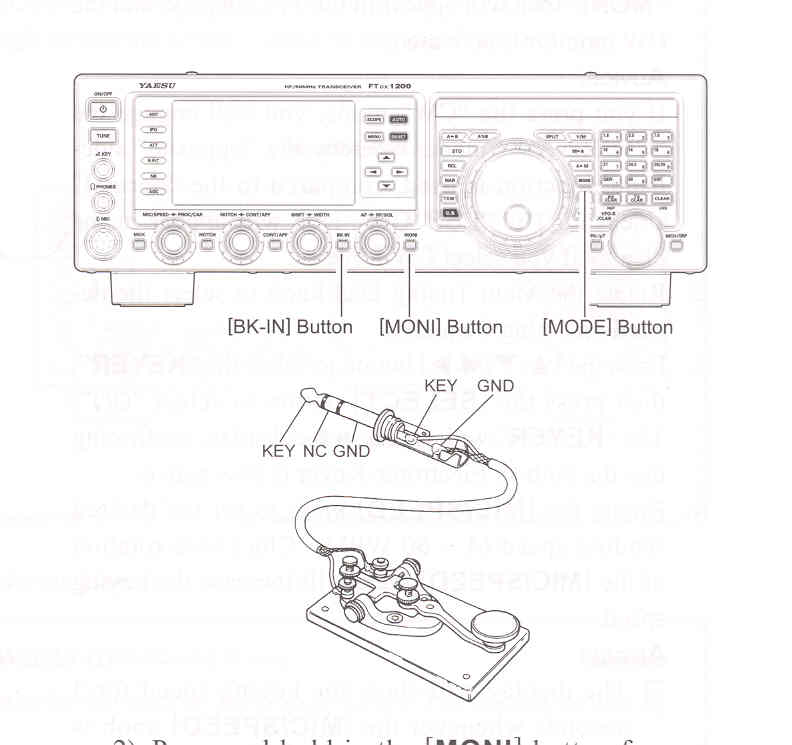
2) Press and hold in the [MONI] button for one second to enter the Menu item "035 MONITOR LEVEL".
3) Press the [SELECT] button.
4) While keying, rotate the [VFO-B/CLAR] knob (or press the ▲ / ▼ button) to adjust the monitor level.
5) When you are satisfied with the setting, press the [SELECT] button, then press the [MENU] button to save the new setting and exit to normal operation.